
- From the web control panel in a browser.
- From the
axolcommand line in a terminal.
New here? Start with Hardware Setup to mount and power Axol. Then install the software with one command, and go to Teleoperation to drive the robot from a VR headset.
Operations
Each page has a Control Panel tab and a CLI tab. Pick the one you prefer.Teleoperation
Drive the robot live from a VR headset, or try it in simulation without hardware.
Gravity Compensation
Hold the arms weightless so you can move them by hand.
Data Collection
Record teleoperation episodes to a LeRobot dataset.
Replay Dataset
Play a recorded dataset episode back onto the arms.
Run Policy
Let a trained policy run the robot, on the Host Computer or on a remote server.
DAgger Collection
Run a policy while correcting it from VR, recording the corrections.
Explore
Hardware Overview
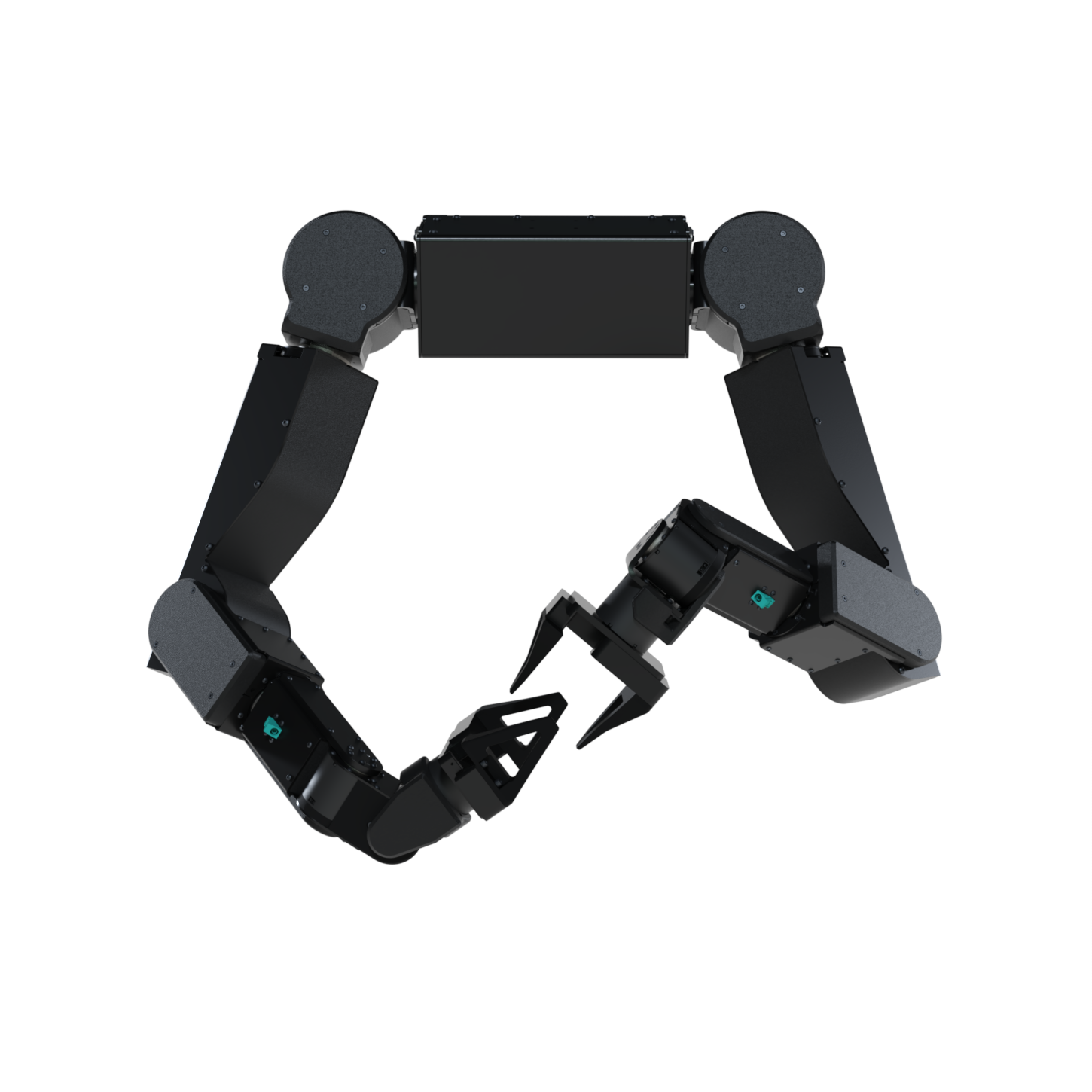
Axol, its mounting options, the Camera Kit, and the Compute Kit.
Hardware Setup
Step-by-step setup for each mount and for the cameras.
Installation
Install the software on the Host Computer with one command.
Remote Teleop
Drive the robot over the internet from a Meta Quest.
Mantis
Set up the handheld rigs that record demonstrations without the robot.
Web Control Panel
Run every operation from a browser, without a terminal.
VR Interface
The headset app you use to drive Axol from a Meta Quest.
CLI Reference
Every
axol command and flag, with examples.Python API
Axol, KinematicsSolver, VRTeleop, and the LeRobot wrappers.