
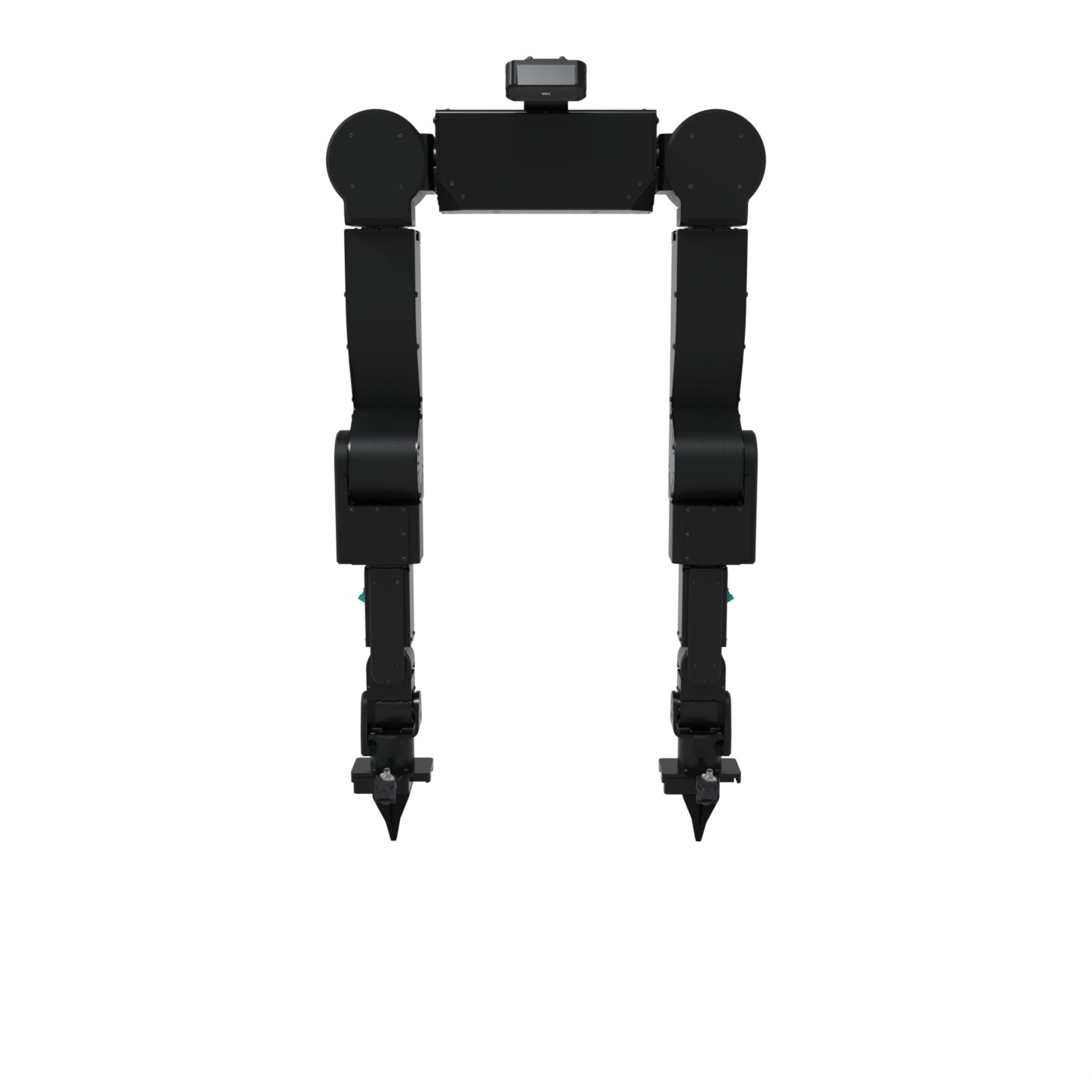
- Axol: the dual-arm robot. Every configuration starts here.
- Mounting: one of the following.
- Standalone: bolt Axol to your own table or fixture.
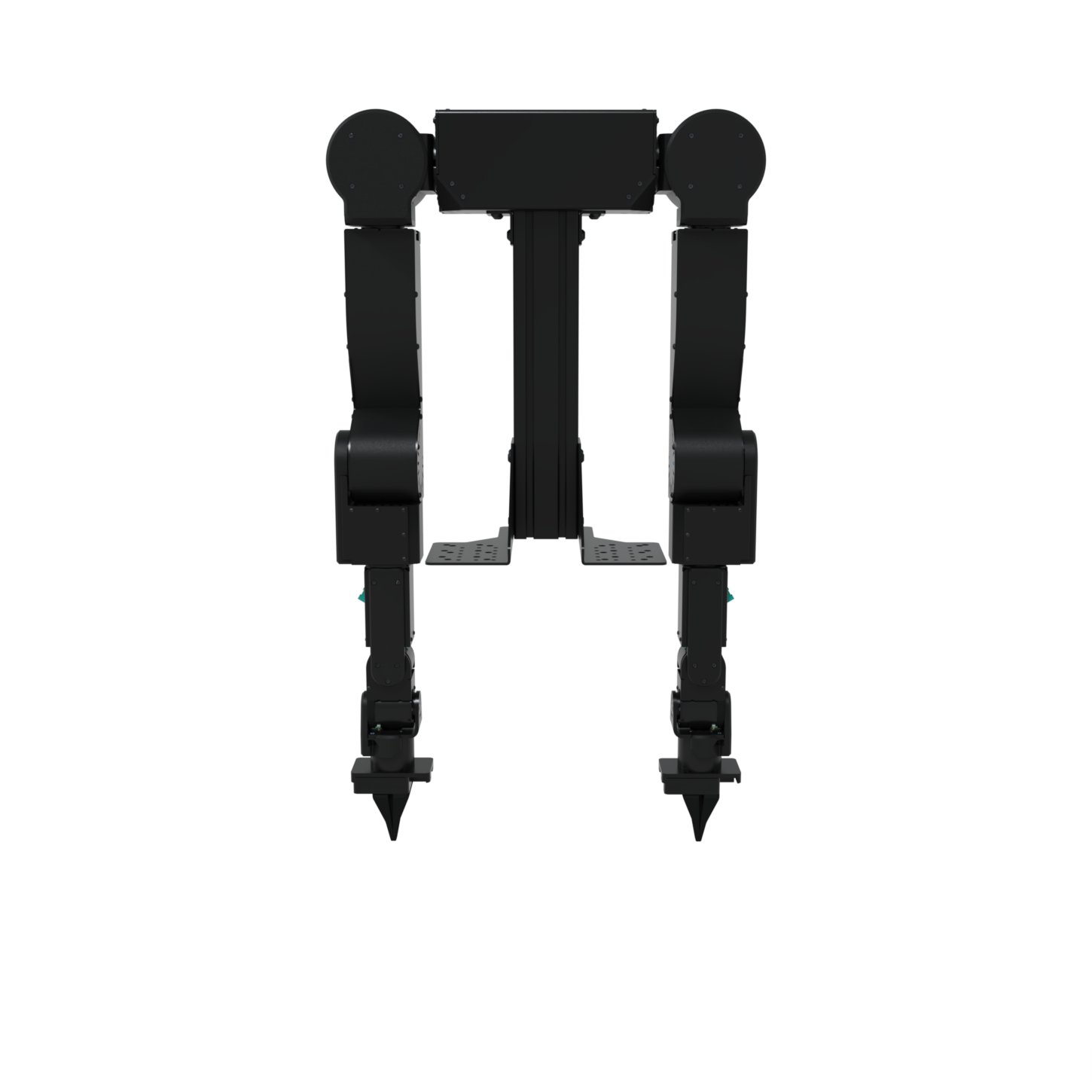
- Owl Mount: rigid table/fixture column.
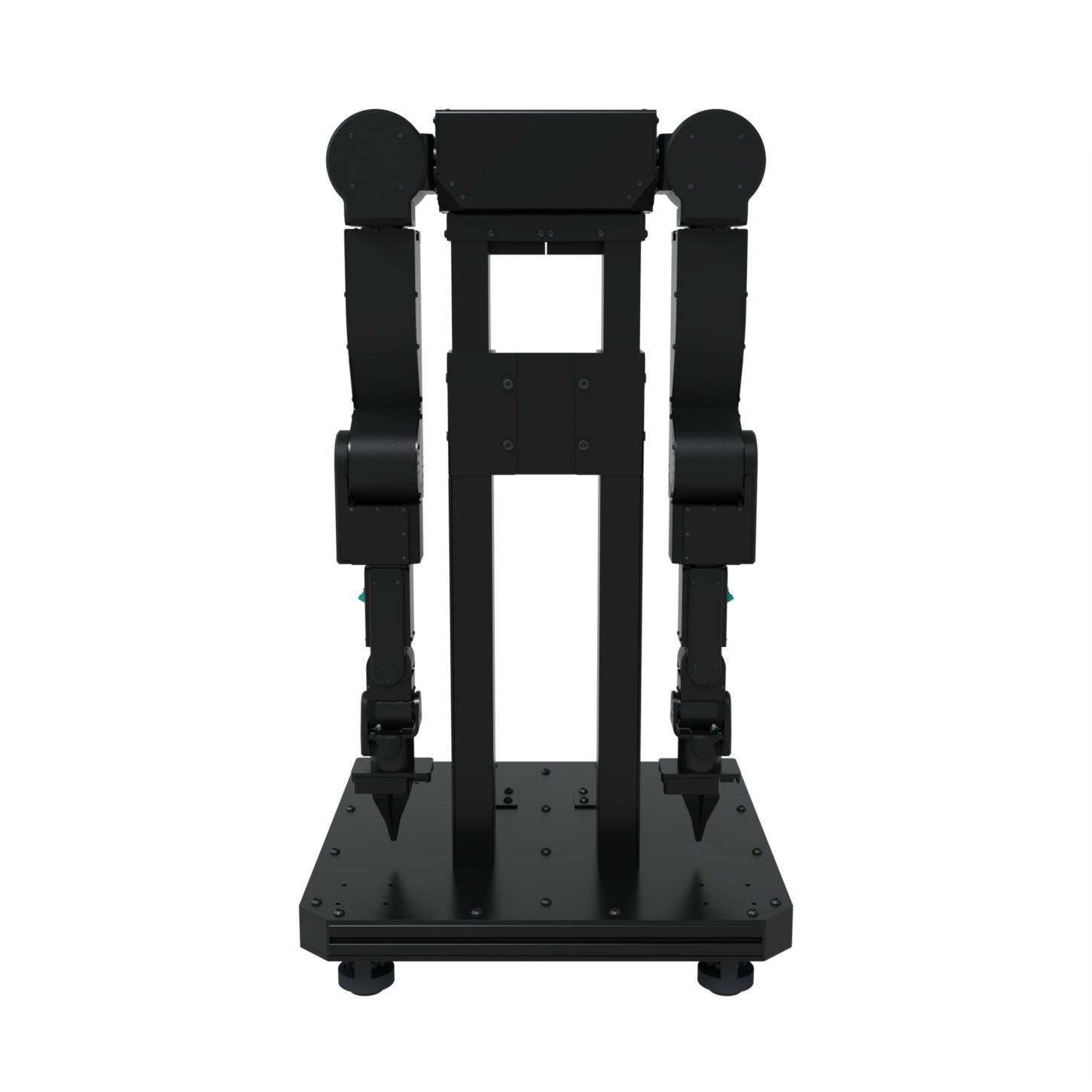
- Ox Cart: height-adjustable mobile cart with a manual lift and leveling casters.
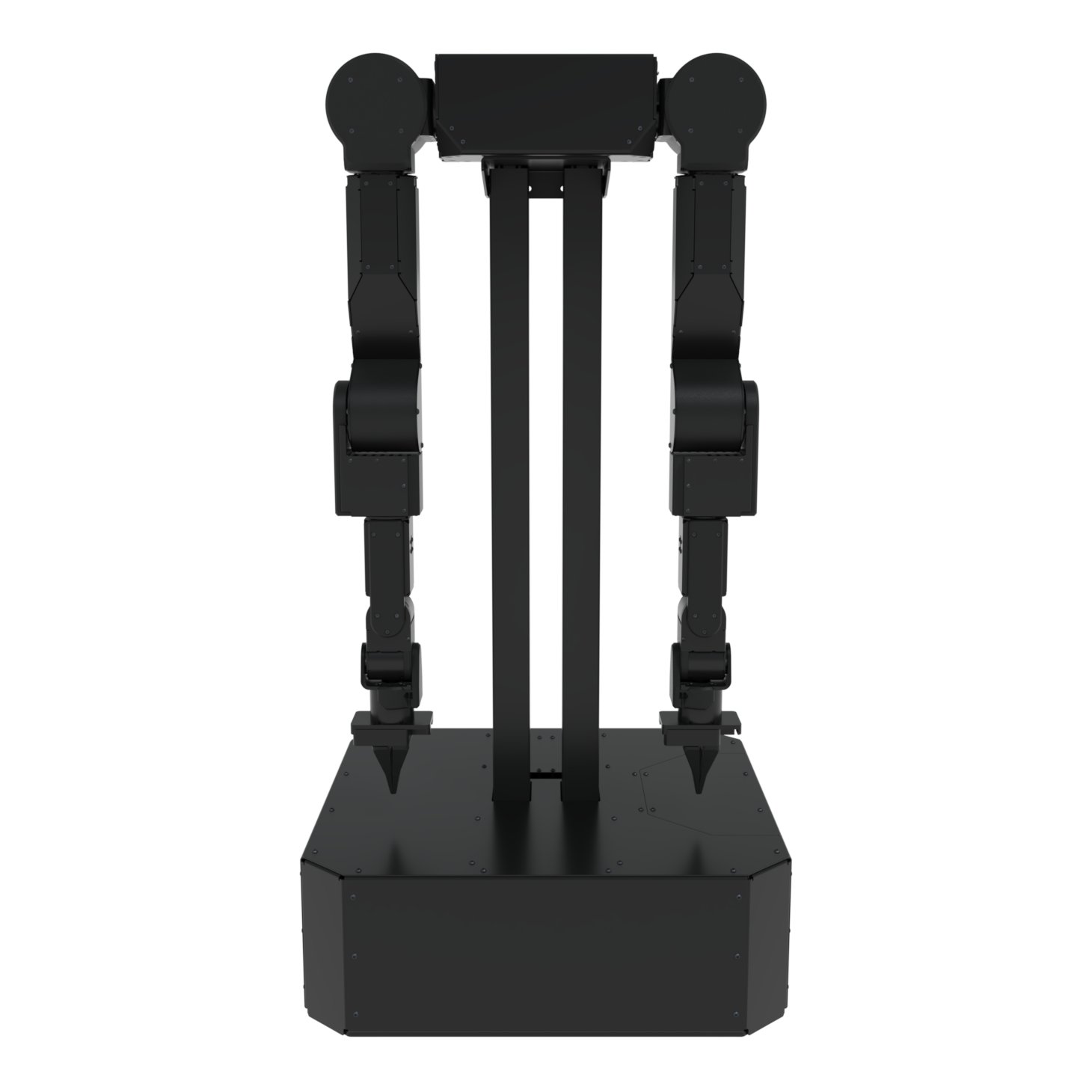
- Jelly Mobile: powered mobile base with a battery and telescoping lift.
- Camera Kit: 2× ZED X One S Fisheye wrist cameras and 1× ZED X Mini stereo head camera, with mounts and GMSL2 cabling.
- Compute Kit: the onboard Jetson that runs Axol, one of the following.
- ZED Box Orin: Jetson Orin NX 16GB in the industrial ZED Box.
- Jetson AGX Orin: 64GB, for running the full Camera Kit.
- Jetson Thor: 128GB Blackwell, for VLA policies and the full Camera Kit on one box.
Axol Overview
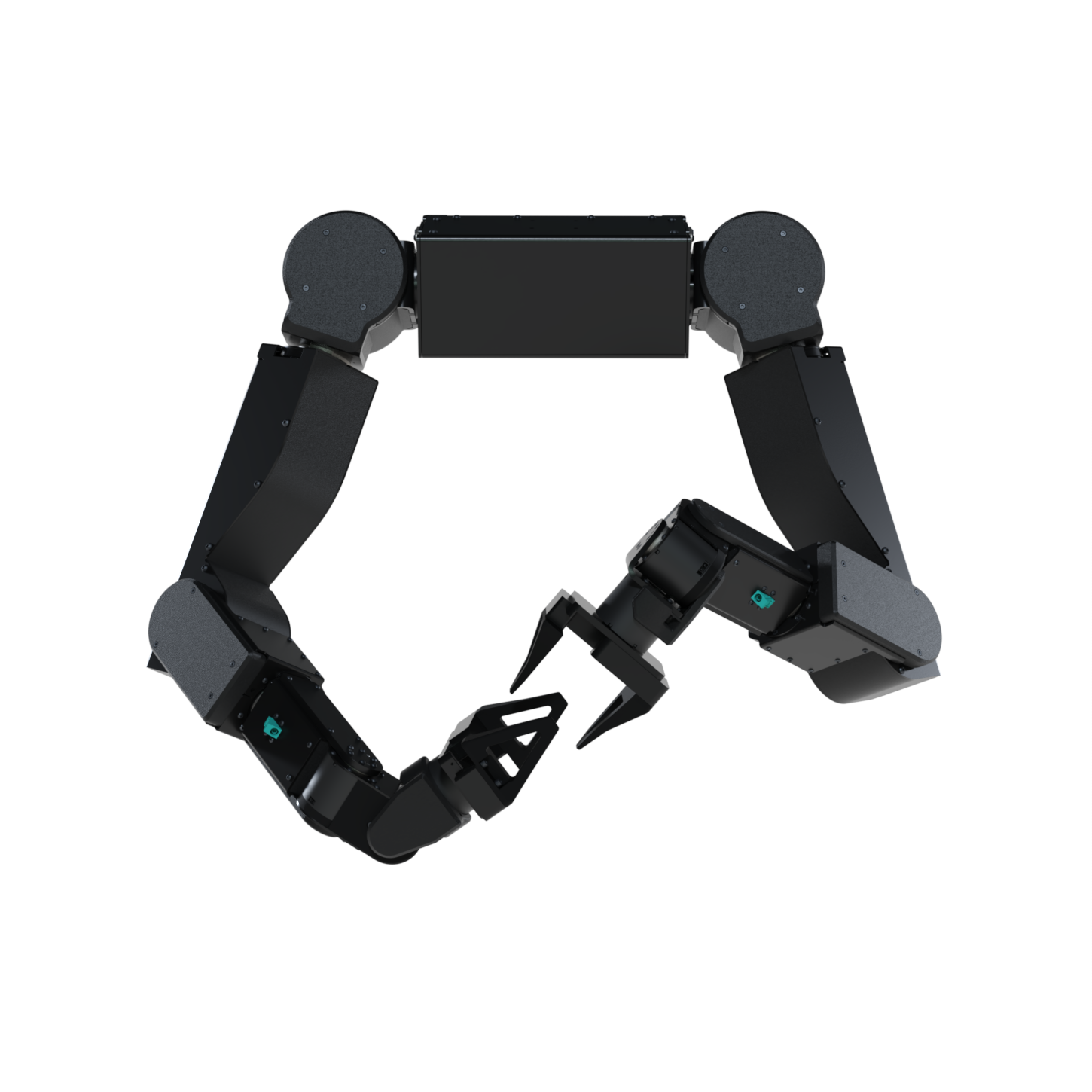
- 2× GMSL2 ports for the wrist cameras.
- 1× XT90 connector for power (24V DC, 60A peak).
- 1× Locking USB-C connector for control.
--axol.gripper parallel|parcel (AxolConfig.gripper); the gripper’s stroke is calibrated against its end stops on every cold enable.
Reference diagrams
- Mounting holes (PDF)
- Joint layout drawing (PDF)
- Gripper drawing (PDF)
- Gripper CAD model (STEP)
Owl Mount Overview
Reference diagrams
Ox Cart Overview
Reference
Jelly Mobile Overview
can.setup.
Reference
Camera Kit Overview
- 2× ZED X One S Fisheye wrist cameras (global shutter, 204° FOV) with wrist mounts.
- 1× ZED X Mini stereo head camera (global shutter) with a head mount.
- FAKRA GMSL2 cabling: three 1.5 m cables plus two 0.3 m right-angle cables.
Reference
- Camera Kit product page
- Wrist Mount (STEP)
- Head Mount (STEP)
Compute Kit Overview
The Compute Kit is the onboard NVIDIA Jetson that runs Axol, captures the cameras, and runs policies. Three tiers are offered:Reference
Next steps
Hardware Setup
Step-by-step setup for each configuration: standalone, Owl Mount, Ox Cart, or Jelly.
Installation
Install Axol on the robot machine and open the web control panel.
Mantis Hardware
Set up the handheld Mantis rigs for collecting demonstrations without moving the robot.